









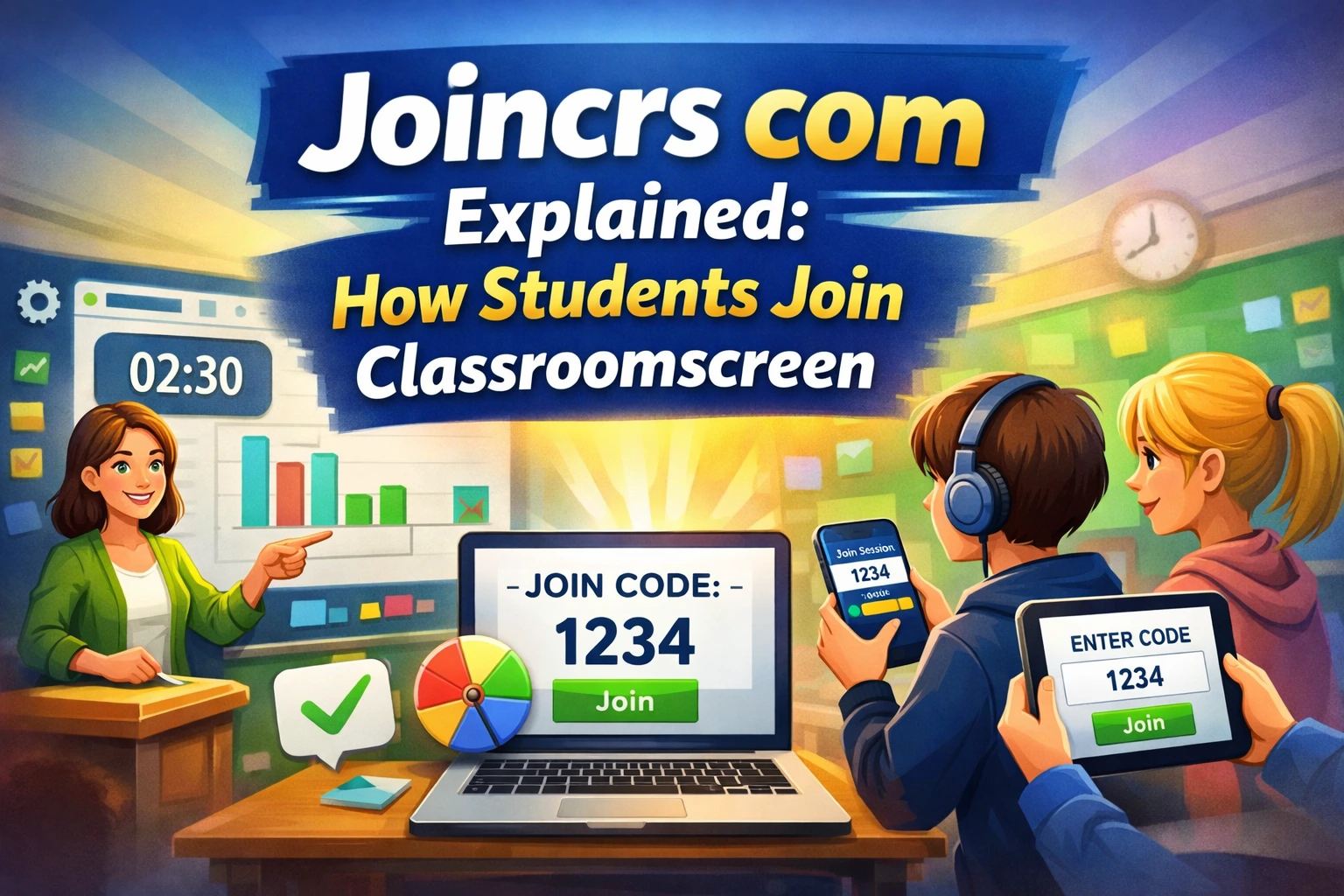
If you searched for joincrs com, you were probably trying to understand a classroom link, a student login page, or a tool your teacher mentioned in class. The good news is that this is not a complicated platform. It is part of Classroomscreen, a web-based classroom tool used to support teaching, engagement, and classroom flow. The join page is where students enter a code to connect to a live classroom session.
What makes this worth knowing is simple: modern classrooms need tools that reduce friction. Teachers want less setup and more participation. Students want something that works quickly on a phone, tablet, or laptop. joincrs com fits that need by acting as a lightweight gateway into a live learning screen rather than a full app students need to install.
What is joincrs com?
joincrs com is the join portal for Classroomscreen. In practice, it is the page students use to enter a code and connect to a teacher’s active screen. The official join page displays a simple prompt to “Enter the code,” and the site identifies itself as Classroomscreen.
Classroomscreen itself is an online whiteboard-style classroom tool. Its public pages show that it includes widgets such as a timer, sound level monitor, group maker, scoreboard, randomizer, poll, and other teaching tools. The platform also offers templates and ready-made classroom activities.
That means joincrs com is not really a separate “product” in the traditional sense. It is the access point for a bigger classroom system. Teachers build the experience in Classroomscreen, and students join through the code-based entry page.
How joincrs com works
The process is straightforward.
Step 1: The teacher opens Classroomscreen
Teachers start by creating or opening a screen in Classroomscreen. The platform says users can start creating screens with no account needed for the basic app experience, which lowers the barrier to entry.
Step 2: The teacher sets up the classroom tools
A teacher can add widgets like a timer, randomizer, score tracking, poll, sound-level monitor, or group maker. Templates also help teachers build lesson activities faster.
Step 3: The teacher shares the join code
Students then go to the join page and enter the code they were given. The official join page is intentionally minimal because its job is only to connect students to the live session.
Step 4: Students participate from their own devices
Once connected, students can take part in whatever activity the teacher has prepared. That might be a poll, a game, a group exercise, or a quick classroom check-in. Because the system is browser-based, it is useful for in-person, hybrid, or remote settings.
Key features of Classroomscreen behind joincrs com
To understand joincrs com properly, it helps to look at the ecosystem around it.
1. Timers and visual time control
Classroomscreen includes timer tools that help teachers manage transitions, practice sessions, and independent work time. Its product and template pages show that time-based classroom management is a core part of the platform.
2. Randomizer and fair participation
The Randomizer widget is designed to pick students at random. That helps teachers call on students fairly and add a little energy to class participation.
3. Polls and quick feedback
Polls make it easier to check understanding without putting every student on the spot. The platform highlights polls as part of its classroom engagement tools.
4. Scoreboard and gamification
Classroomscreen also supports a scoreboard and game-based activities. Its “Games for learners” pages position the platform as more than a whiteboard, with interactive learning experiences built in.
5. Templates for fast lesson setup
Teachers can use templates for classroom management, brain breaks, language arts, STEM, and more. The template pages show low-prep activities that can be launched quickly and adapted to class needs.
6. Visual classroom support
Classroomscreen’s own guide explains that it includes tools for instructions, time management, and engagement in just a few clicks. It positions itself as a simple way to keep students on task.
Why teachers use joincrs com
Teachers usually care less about the link itself and more about what it enables. joincrs com is useful because it removes setup friction.
It supports fast classroom entry. It helps students join without complicated logins. It also works well when a teacher wants everyone in the room focused on the same thing at the same time.
It is especially helpful for:
- warm-up questions
- quick checks for understanding
- group activities
- class games
- transition timers
- dismissal routines
- review sessions
That is the real value: less confusion, more participation.
Benefits of joincrs com
Easy to access
The join experience is minimal, which is exactly what students need. There is no long learning curve at the point of entry.
Good for classroom management
Because the platform combines timers, scoreboards, random selection, and sound monitoring, it helps teachers manage the room visually instead of repeating instructions over and over.
Better student engagement
Tools like polls and game templates make the lesson feel active instead of passive. That matters when you want students to respond, think, and participate.
Works across teaching styles
The platform’s public pages show use cases for classroom management, games, and instructional support. That makes it flexible for younger learners, older students, and mixed teaching environments.
Read more: Hiezcoinx2.x9 Winning Game: Guide, Risks, and Reality
Drawbacks and limitations
No tool is perfect, and joincrs com has some practical limits.
It depends on a teacher-led setup
Students cannot use it meaningfully without a teacher creating the session first. That is normal for a classroom tool, but it means the portal is not a standalone learning app.
It is focused on classroom workflows
This is a strength for teachers, but it also means it is not designed for every type of user. If someone is looking for a general productivity app, they may find it too specialized. This is an inference from the platform’s classroom-centric structure and templates.
Internet access is still required
Because it is a browser-based platform, stable internet access matters. That is a practical limitation of most live classroom tools. This is a reasonable inference from the web-based design shown on the official site.
Real-world use cases
Here is where joincrs com becomes genuinely useful.
1. Classroom warm-ups
A teacher can open with a quick poll or prompt. Students join through the code and answer in seconds. This gets everyone thinking before the lesson begins.
2. Fast finishers
Classroomscreen has a template specifically for fast finishers. That shows how the platform supports students who complete work early and need a meaningful next step.
3. Lesson pacing
Timers help manage activities, group transitions, and turn-taking. This is especially helpful in busy classrooms where timing gets messy fast.
4. Fair participation
The randomizer can select students without bias, which is useful for oral questions, review rounds, or group assignments.
5. Games and review
The platform’s game library shows that teachers can turn quick review into a more engaging activity. That is useful before tests or at the end of a unit.
Comparison: joincrs com vs Classroomscreen app
This is the simplest way to understand the difference.
joincrs com is the entry page. Students use it to join a session with a code.
Classroomscreen app is where the actual teaching setup happens. Teachers build the screen, add widgets, launch activities, and guide the class. The app page says users can start creating screens right away, and the product pages show the platform’s tools in action.
So the difference is simple:
- joincrs com = join
- Classroomscreen = create and manage
Common mistakes people make
Confusing the join page with the main platform
Some people think joincrs com is the full product. It is not. It is only the connection point for live sessions.
Expecting it to work without a teacher code
The join page only helps once a teacher shares the correct code. Without that code, students cannot reach the intended screen.
Treating it like a general website
Classroomscreen is built around learning and classroom control. Its widgets and templates are educational, not generic.
Using too many features at once
A practical classroom rule is to start small. One timer, one poll, or one randomizer is often enough. That is not a direct platform claim, but it is a best-practice inference based on the tool’s quick-launch design and teaching focus.
Expert tips for getting better results
Keep the setup simple
The best classroom tools are the ones that save time. Start with one goal per lesson: attendance, participation, or review.
Use widgets with purpose
Use the randomizer when you need fairness. Use polls when you need instant feedback. Use timers when the class needs structure. That kind of matching improves the value of the tool.
Use templates when preparing lessons
Templates reduce prep time and give teachers a ready-made starting point. The official template library shows many classroom scenarios already mapped out.
Make participation visible
Classroomscreen is strongest when students can see the shared screen clearly. Its design is built around projected classroom use and shared engagement.
Future trends and likely updates
Looking at the platform’s current direction, the future seems to be about more interactive classroom workflows, more ready-to-use templates, and more ways to keep lessons visually organized. That is an inference, but it is supported by the way Classroomscreen currently emphasizes widgets, templates, games, and quick-start teaching support.
In practical terms, tools like this usually move toward:
- faster lesson setup
- richer interactive templates
- better collaboration features
- smoother device access
- more classroom management support
Those trends fit the product’s current focus well.
Conclusion
joincrs com is best understood as the student-facing entrance to Classroomscreen. It is the simple code-based gateway that connects learners to a live classroom screen, while teachers do the actual setup inside Classroomscreen. The platform stands out because it combines ease of access with practical teaching tools like timers, polls, randomizers, scoreboards, and templates.
For teachers, the value is organization and engagement. For students, the value is speed and clarity. For classrooms that need less confusion and more participation, that combination works well.
FAQs
1. What is joincrs com used for?
It is the join page for Classroomscreen. Students enter a code there to connect to a teacher’s live classroom screen.
2. Is joincrs com the same as Classroomscreen?
No. joincrs com is the access page, while Classroomscreen is the main platform where teachers create and manage the screen.
3. Do students need an account to join?
The join page is designed for quick entry with a code, not a full student account experience. The official page highlights simple code entry.
4. What can teachers do with Classroomscreen?
Teachers can use widgets such as timers, randomizers, polls, scoreboards, sound-level monitors, and templates for classroom management and engagement.
5. Is joincrs com useful for online classes?
Yes. Because Classroomscreen is browser-based and designed for shared classroom use, it can support in-person, hybrid, and remote teaching workflows.
6. Why do teachers use joincrs com instead of other tools?
They use it because it is fast, simple, and built for classroom interaction rather than general browsing or generic productivity. The platform’s focus on engagement and classroom control makes it practical.
7. Is joincrs com safe to use?
Based on the official setup, it is a normal educational entry point for Classroomscreen sessions. As with any classroom tool, users should follow school policies and only join sessions shared by a teacher. This is a general best-practice recommendation, not a specific official safety claim.